On Sun, 11 Feb 2024 09:15:24 -0800
"vela025" (VERT) <VERT!
vela025@endofthelinebbs.com> wrote:
Thanks for the info, I'm not sure why but I'm unable to access endofthelinebbs.com the connection times out so am unable to see the
files you have pointed to. Out of interest what editor do you use to
edit your menu files that accepts ESC as an ASCII entry?
Ah, also keep in mind that you're probably trying to mix terminal and >videotex which isn't going to work. videotex is 7E1 and it sends a #
when you press return, which is actually a _ sign ASCII 96 if I
remember correctly, so that videotex page probably wont work.
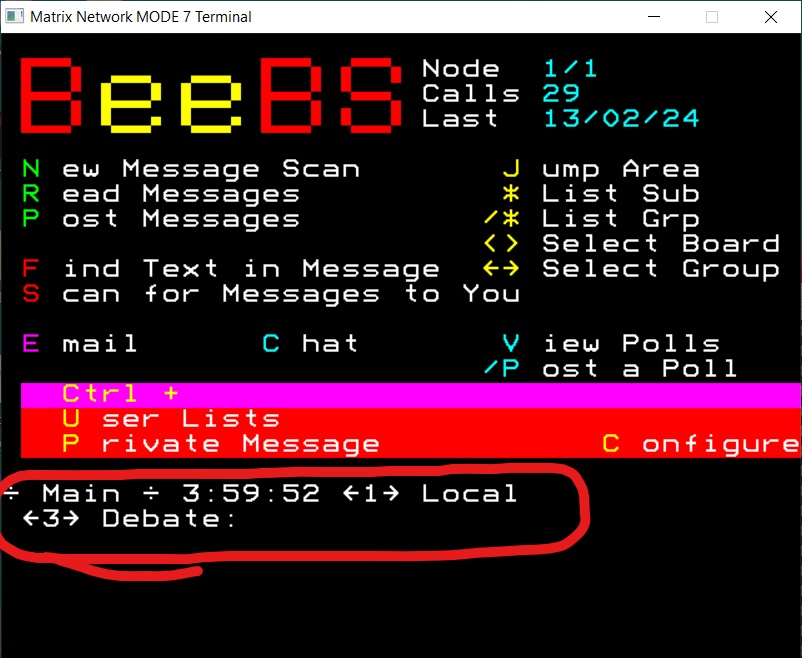
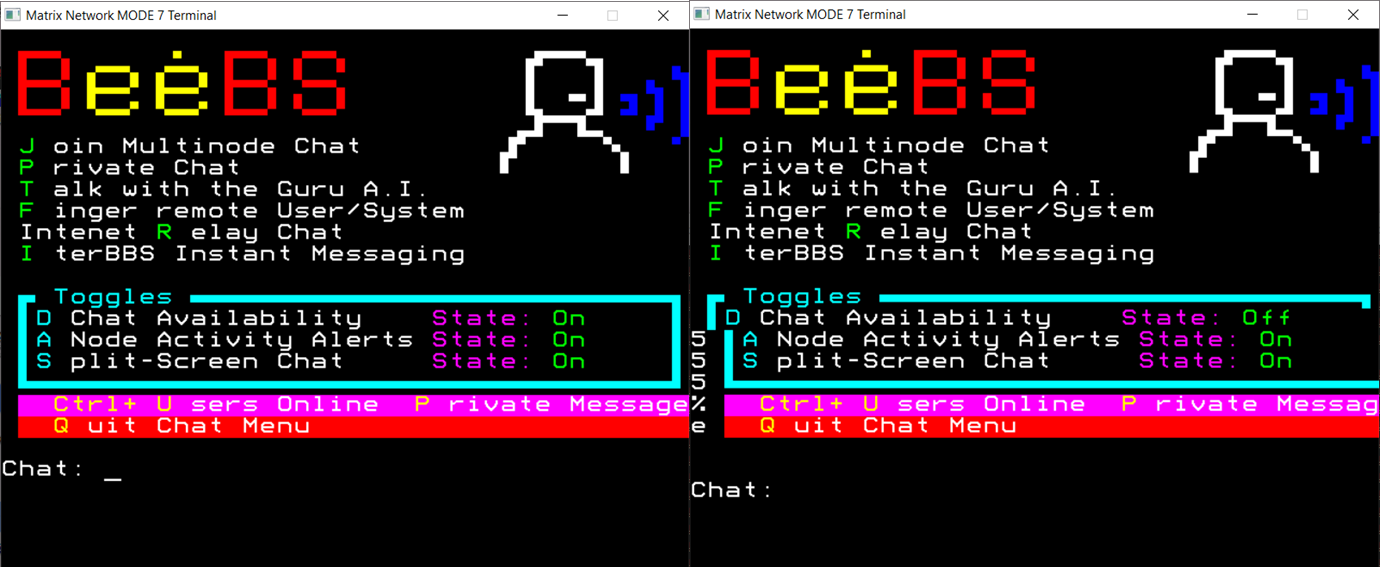
My current BBS is sending the Mode 7 graphics via terminal using 8n1, obvoiusly it only displays the mode 7 graphics on a terminal that
supports it (so either an acorn computer with filtering off in
whichever comms software you use (e.g. commstar) or either of the PC connection options here http://beebs.ddns.net/connecting.html)...or
just good old syncterm, but displays as vt100 or ANSI depending on
what you select.
I was hoping there might be some BBS package out there that will just
bget the file as is rather than trying to process it. Feel free to
check out beebs.ddns.net to see the mode 7 graphics over terminal.
---
_ Synchronet _ Vertrauen _ Home of Synchronet _
[vert/cvs/bbs].synchro.net
In SBBS set your terminal accordingly
[+] Use automatic terminal type detection? No
[+] Does your terminal support UTF-8? No
[+] Does your terminal support ANSI? No
[+] Are you using a CBM/PETSCII terminal? No
[+] Does your terminal support IBM extended ASCII (CP437)? Yes
[+] HIT your BACKSPACE or DELETE-LEFT key: Character 127 (7Fh)
received.
Then create a file like this:
<81>RED
<82>Green
<83>Yellow
<86><88>Flashy!
<84><9d><83>My favorite yellow on blue
You'll need to replace <81> and <82> with the comparable ascii code. In
vi you can do ^V129 or if you want to enter the hex value ^Vx81
Before saving, make sure your file is iso-8859-1 format with
:set fileencoding=iso-8859-1
All this assumes you're on Linux using vim. If not then No idea how
you'd do it in windows. I guess you can use notepad and use the ALT 129
method for entering control codes.
Anyway, I did all that and put my file.asc in the menu directory and
just tried it with bbs.menu and it printed fine.
Hope that helps.
You'll find all the codes in a chart at the back of the BBC Micro User
Guide, something like page 476.
--
End Of The Line BBS - Plano, TX
telnet endofthelinebbs.com 23
---
þ Synchronet þ End Of The Line BBS - endofthelinebbs.com
--- SBBSecho 3.20-Linux
* Origin: Vertrauen - [vert/cvs/bbs].synchro.net (1:103/705)